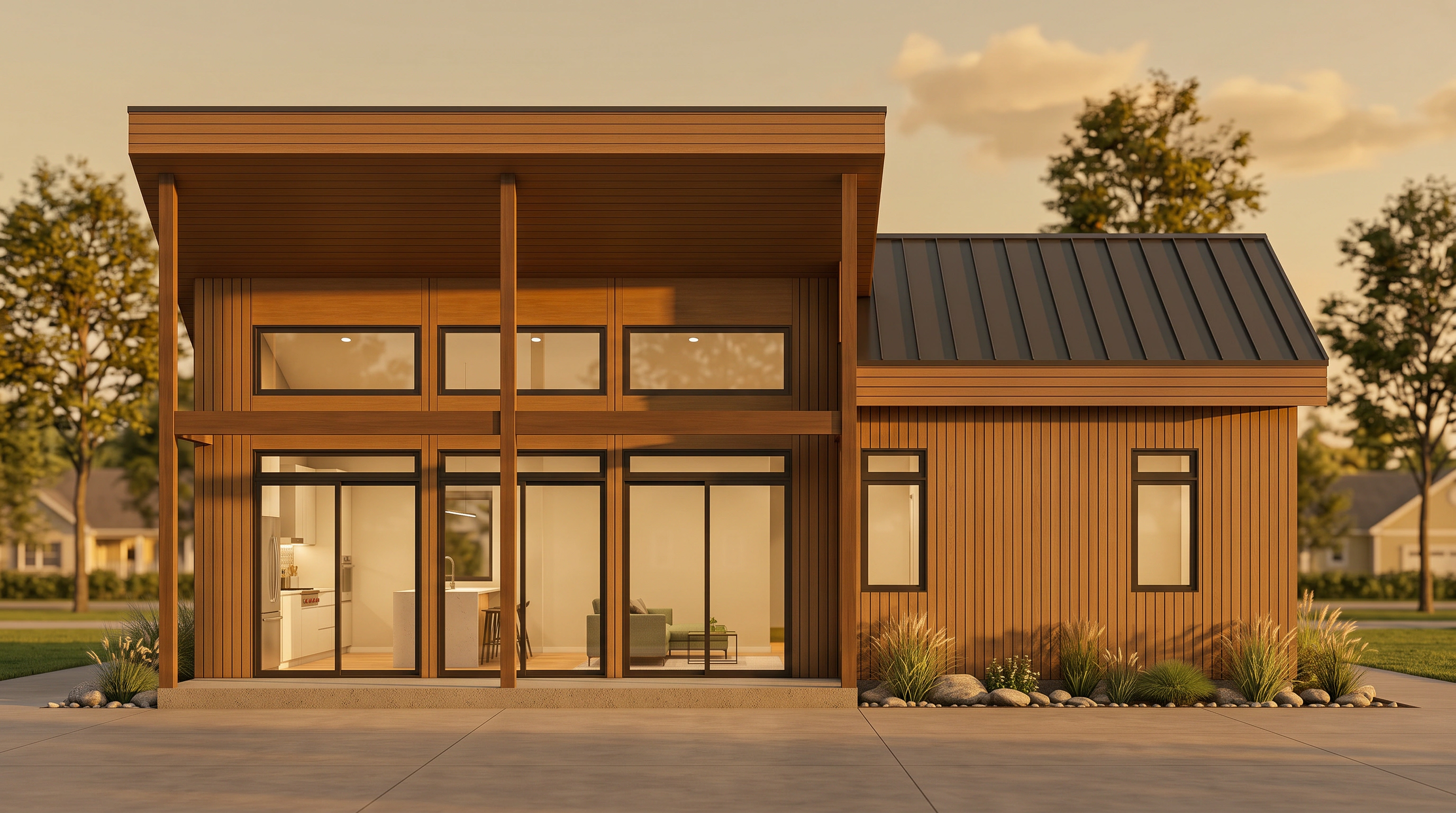
VividPlan · v3.0 · architectural rendering

Sketches
come to life

Upload a line drawing, floor plan, or rough elevation. Get a photoreal render you can send to a client before the coffee cools.

Try it free
No credit card needed
Live render · 01 / 05
Before
After
Before
After
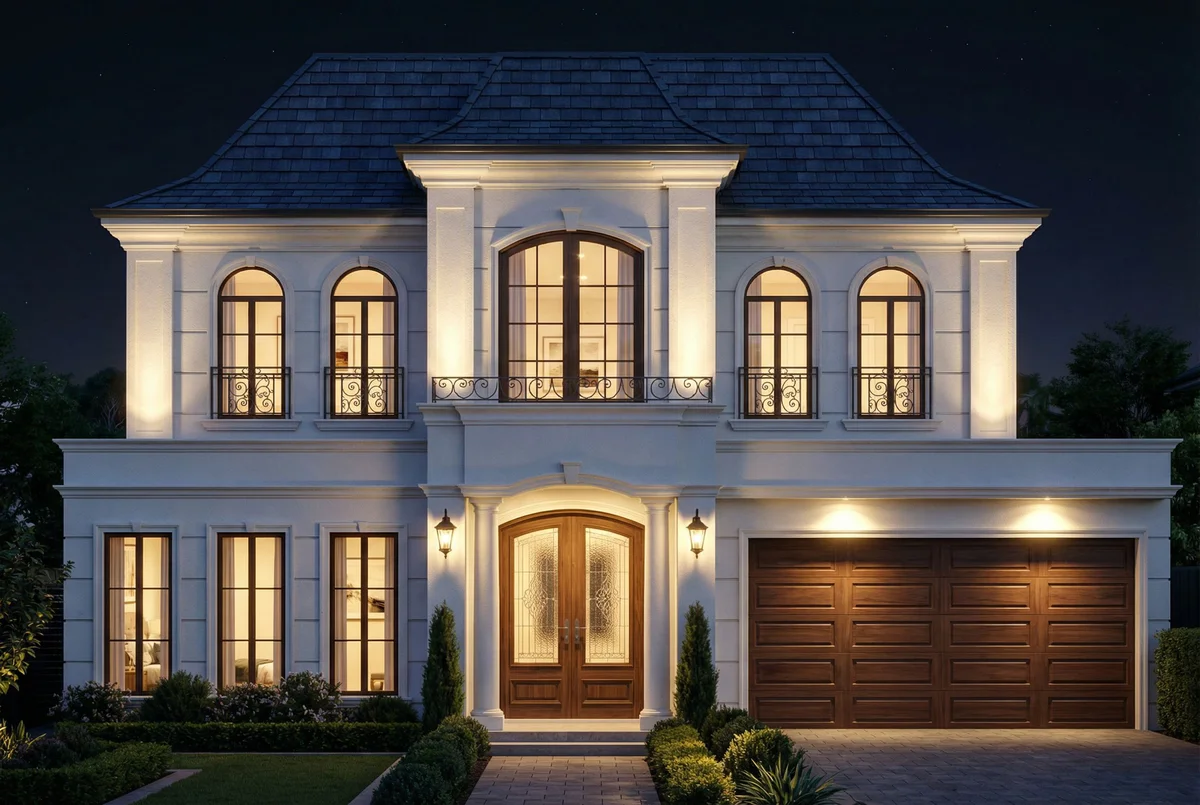
Prompt
French provincial with white rendered walls
How it works

Four steps.
That's the whole app.

Built for architects, realtors, and interior designers who'd rather sketch than sit in Blender for two days. No 3D modelling, no render farms, no subscription to a plugin you'll never fully understand.

STEP / 01

Drop a drawing

Sketch, floor plan, CAD export, or photo. We auto-detect orientation and type.

STEP / 02

Generate render

A photoreal render lands back in your canvas in 60s. 2K output, multiple variations.

STEP / 03

Annotate to refine

Box any detail, type what you want. Reference images snap materials to pixels.

cladding · cedar
door · black frame
“cedar cladding, black door”
STEP / 04

Iterate, export, send

Re-render a region. Switch to night. Export JPG, PNG or PDF. Share a live review link.

What's inside

Pro tools,
no PhD in 3D required.

Every primitive a working architect needs to go from draft to deliverable — engineered so you can stay in one canvas instead of hopping between seven apps.

01 · Pixel-precise control

Annotate any detail. Describe the change. Get the pixel-level edit.

Draw a box around the front door. Type “Dutch door, black frame, brass hardware.” Re-render only that region and keep the rest untouched. Repeat 40 times without drift.

  • Rectangle, freeform, and point annotations
  • Per-region reference image upload
  • Region-locked re-render — no whole-image regen
Try annotation mode
door · dutch · black frame
window · taller
“widen the dutch door, keep original proportions”
Before
After
Before
After
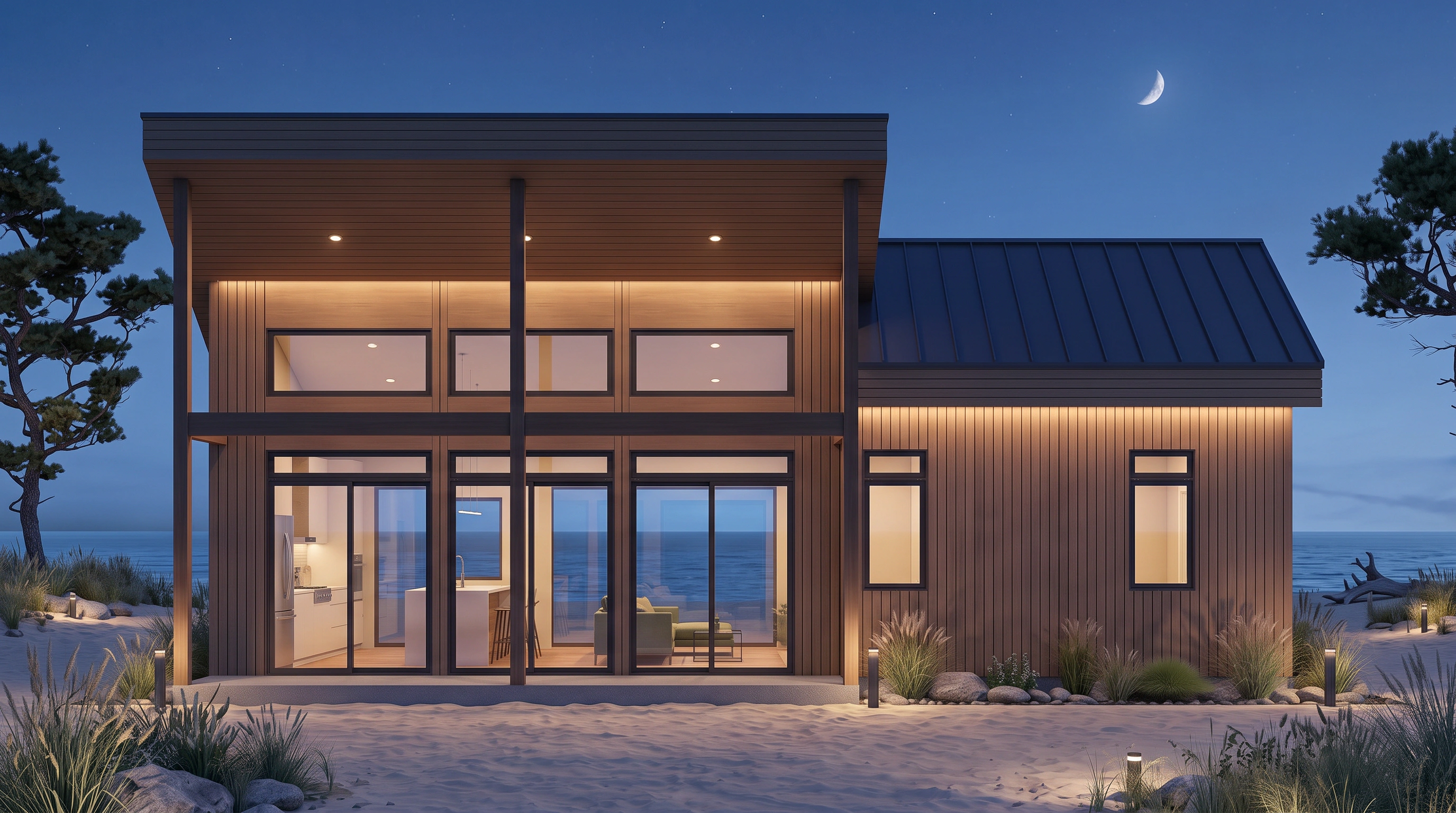
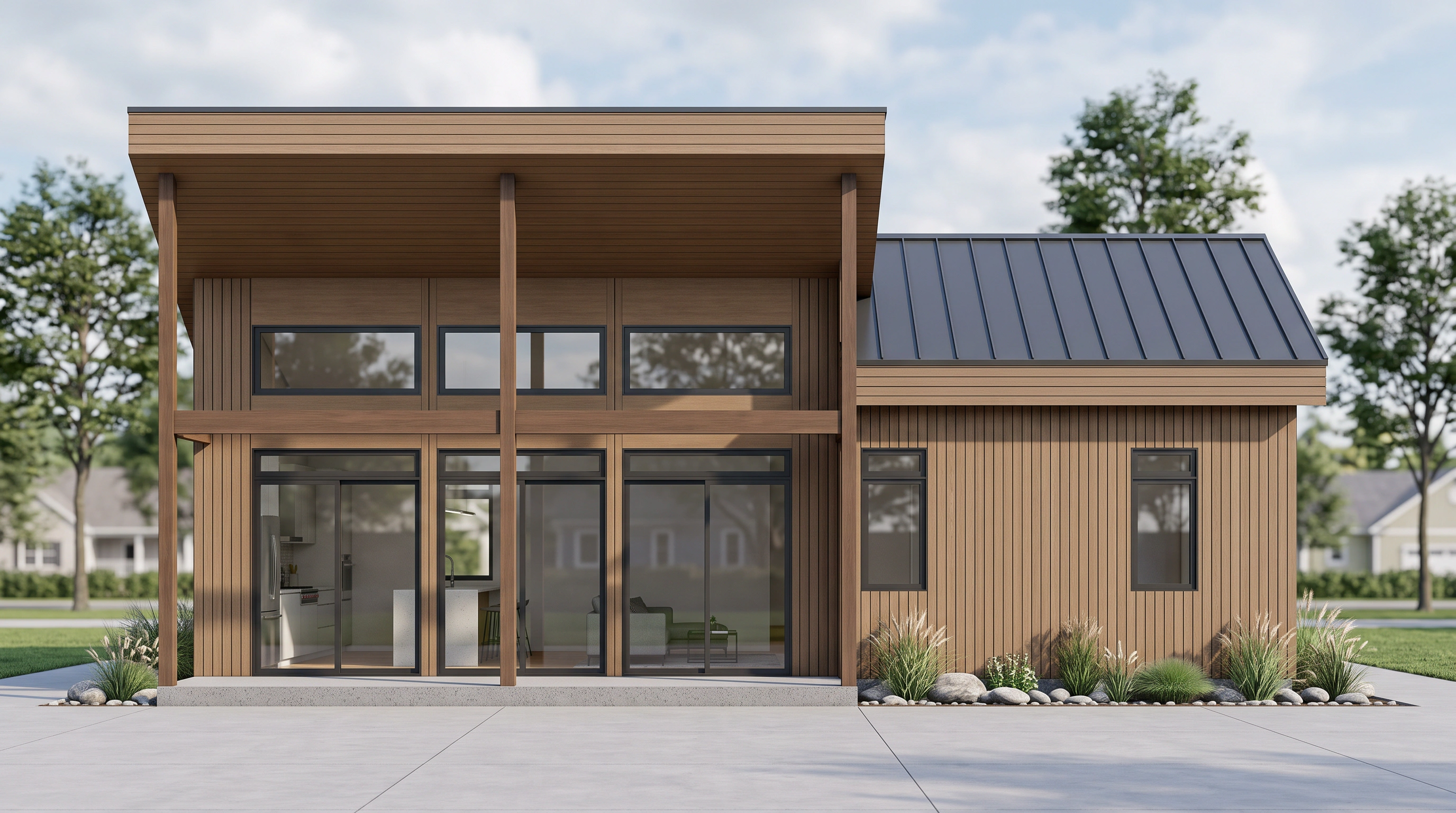
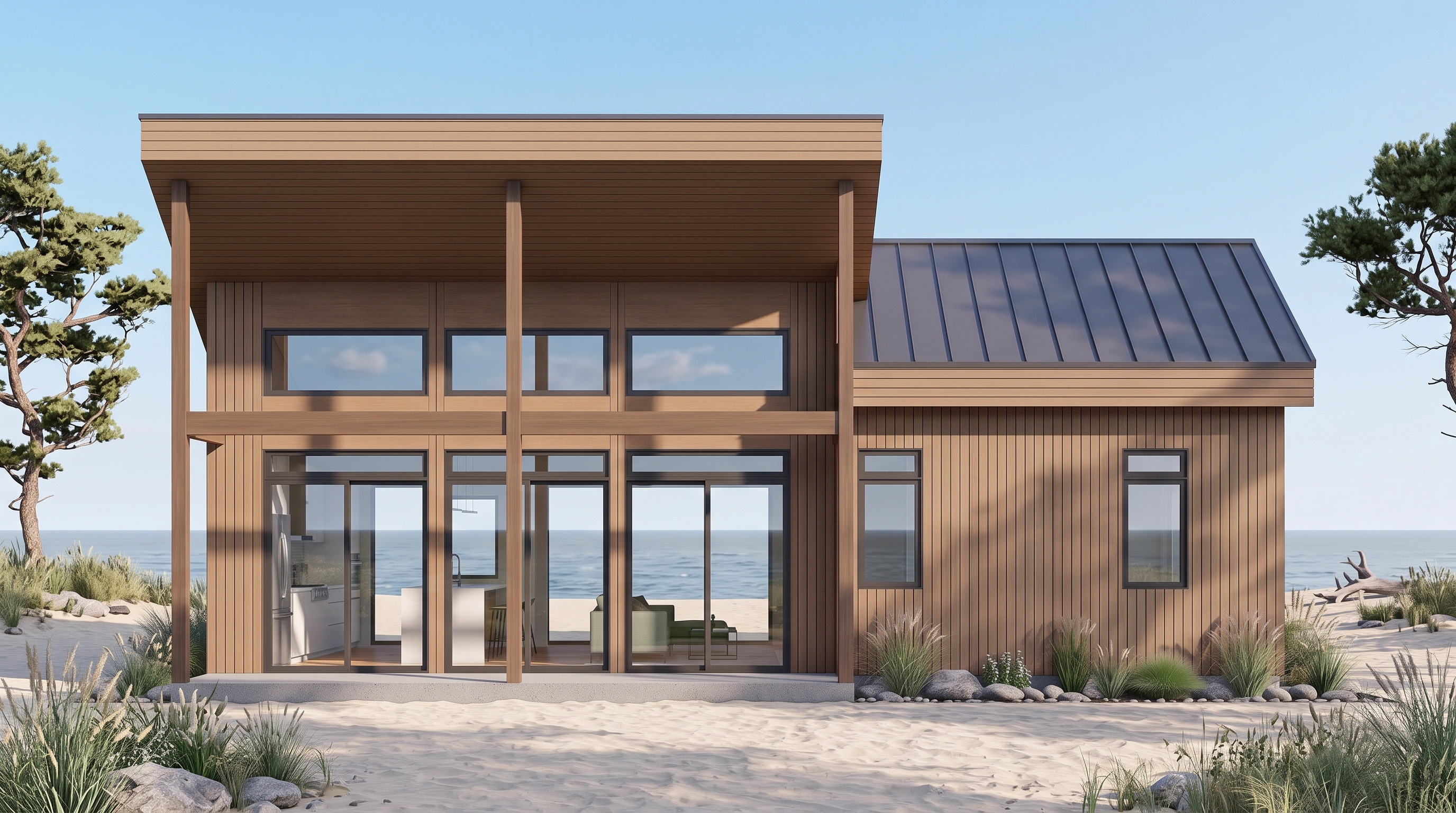
02 · Scene variations

One building. Every time of day, every context, every season.

Day, dusk, night. Urban, forest, coastal, rural. Generate six scene variations from a single base render and ship the one the client will love most — not the one that took you longest to reshoot.

  • Day / dusk / night atmosphere control
  • Environment swap: urban, forest, coast, mountain
  • Consistent geometry across all variations
Explore scenes
03 · Floor plan to furnished

Empty layouts, styled in one click.

Drop a top-down floor plan. Choose a palette. Get a furnished, photoreal plan back — light oak, coastal, minimal Japandi, whatever. Great for off-market listings, pre-leasing, and design presentations.

  • Top-down furnished renders from empty plans
  • Style presets + free-form prompt
  • 2K output, listing-ready
See floor plan demo
Before
After
Before
After
Showcase

Real drawings.
Real renders. Real fast.

Selected work from the VividPlan community — shipped to clients in under an afternoon.

French provincial · duskFeaturedFrench provincial · dusk
Forest residenceForest residence
Modern · nightModern · night
Furnished planFurnished plan
Suburban · nightSuburban · night
Pricing

Flat plans.
No render farm surprises.

Start free — no credit card. Upgrade only once your first client asks “how fast can you redo it?” and you say “give me twenty minutes.”

Hobby
$9/month
For solo designers building their portfolio
  • 15 renders / month
  • 1K resolution
  • 5 projects
  • Commercial license
  • Annotations
  • Reference Images
Start Hobby
Pro
$69/month
Win every pitch with 2K renders and exact material matching
  • 100 renders / month
  • 2K resolution
  • Unlimited projects
  • Commercial license
  • Annotations
  • Reference Images
Start Pro
FAQ

Questions,
honestly answered.

Five things people ask before they sign up. If you have more, the chat bubble on the dashboard actually reaches a human.

Traditional 3D rendering requires specialized software, trained operators, and hours (or days) of processing time per image. VividPlan produces photorealistic results in about 60 seconds from a simple sketch or floor plan. The quality is designed for client presentations, marketing, and design approvals — not for construction documentation. Think of it as the fastest way to communicate a design idea visually, not a replacement for your full 3D pipeline.
You have significant control. Use Annotation Tools to specify materials like "polished concrete" and VividPlan understands the texture and reflectivity. Pro plans include Reference Images so you can upload exact finishes, doors, or windows for pixel-perfect matching.
VividPlan accepts JPG, PNG, and WebP images. Upload hand-drawn sketches, CAD screenshots, exported elevations, or scanned floor plans — anything visual works. No special file format or 3D model required.
Yes. You can download your renders in full resolution and share them however you like — email, Dropbox, project management tools. Every render you generate is yours to use and distribute.
No. You can start your free trial immediately upon signing up — no credit card required.
One last thing

Render your first sketch
before the coffee cools.

Five free renders. No credit card. No 3D. See your drawing as a finished space in the next ninety seconds.