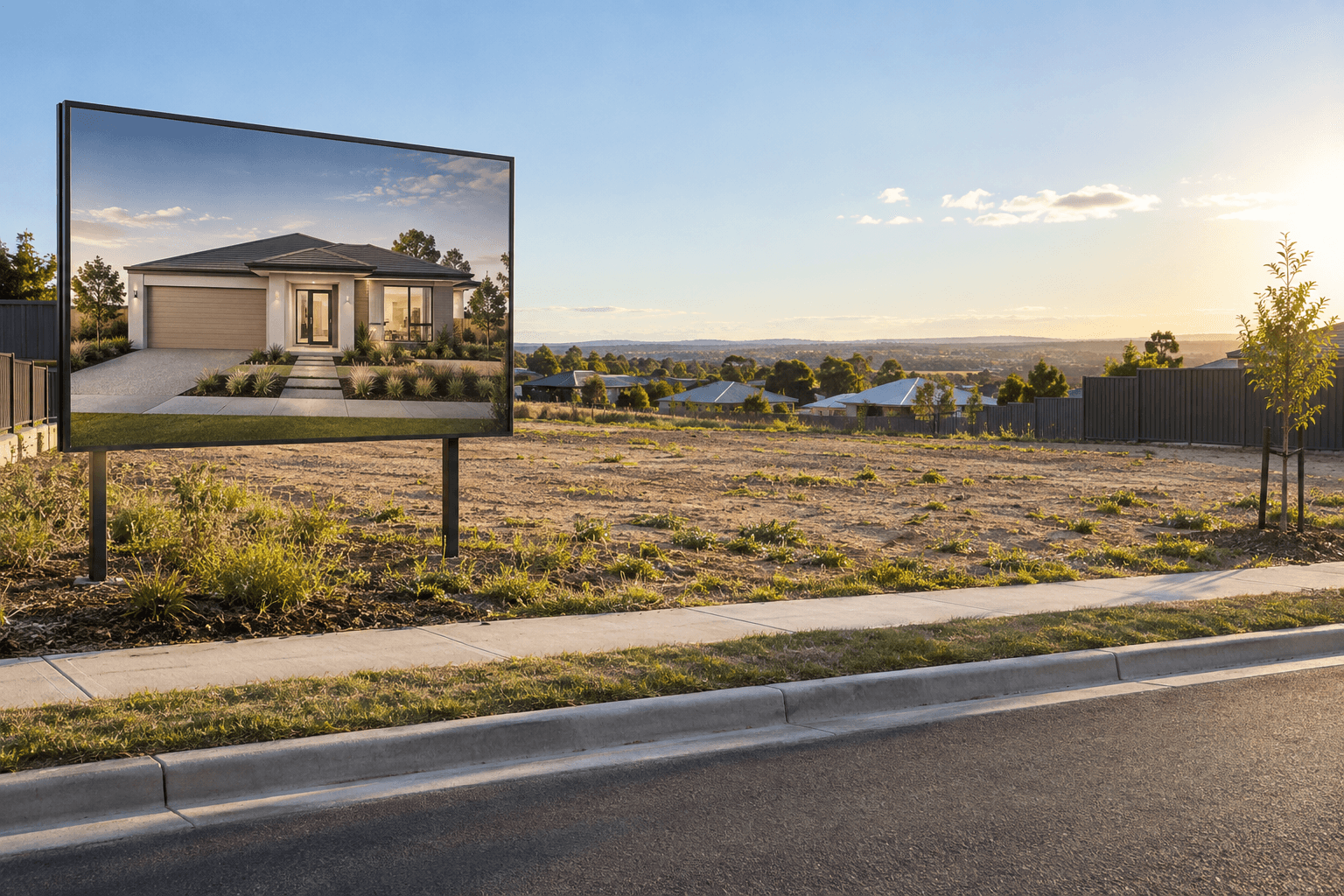
The hero image does not exist yet
An empty site, a plan or a construction photo rarely carries the emotional promise of the finished property.
 VividPlan
Help buyers see the future home, the furnished plan or the off-the-plan opportunity before it exists. VividPlan turns supplied drawings into campaign-ready concept visuals for listings, brochures, social posts and signboards.
Plans and elevations in · Campaign visuals out · No specialist 3D brief

Vacant land and off-the-plan listings ask the buyer to do the hardest part of the marketing themselves: imagine the finished opportunity. VividPlan gives the campaign a visual anchor while there is still nothing to photograph.
An empty site, a plan or a construction photo rarely carries the emotional promise of the finished property.
Traditional visualisation can introduce another brief, supplier and turnaround into a launch that needs to move.
A buyer may understand the dimensions and still struggle to feel the light, lifestyle and street presence.
Use the supplied elevation or floor plan to create a credible concept visual, then carry it across the listing, email campaign, brochure and on-site material. Clearly label visualisations as artist impressions where required.


Start with the supplied elevation or floor plan and confirm permission to use it in the campaign.
Choose the setting, light and level of furnishing that best communicates the property story.
Download the visual and identify it as a concept or artist impression wherever the campaign requires.
Pair an aspirational exterior with a furnished plan and an on-site application. The result is a campaign that makes the future property easier to see at every touchpoint.
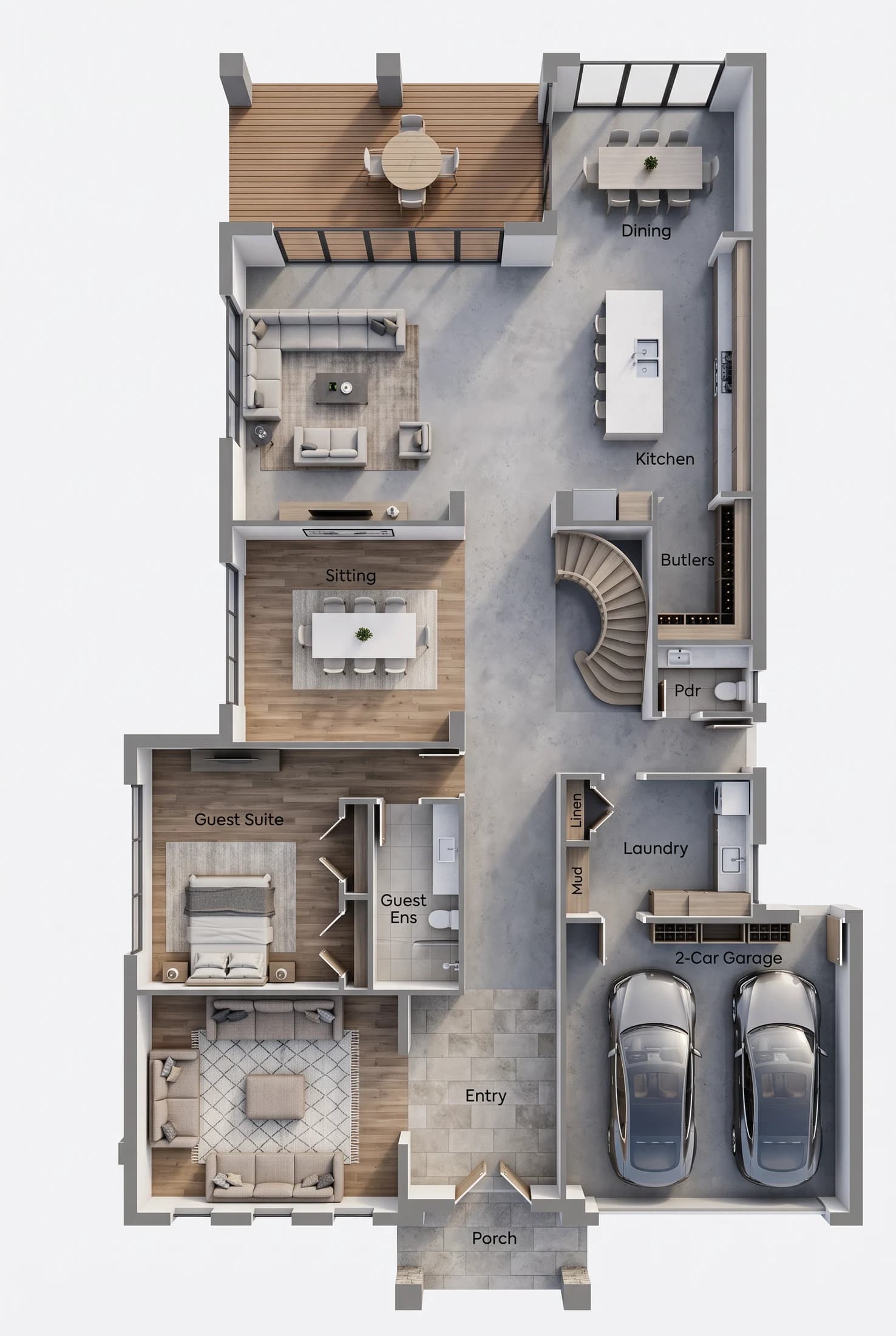
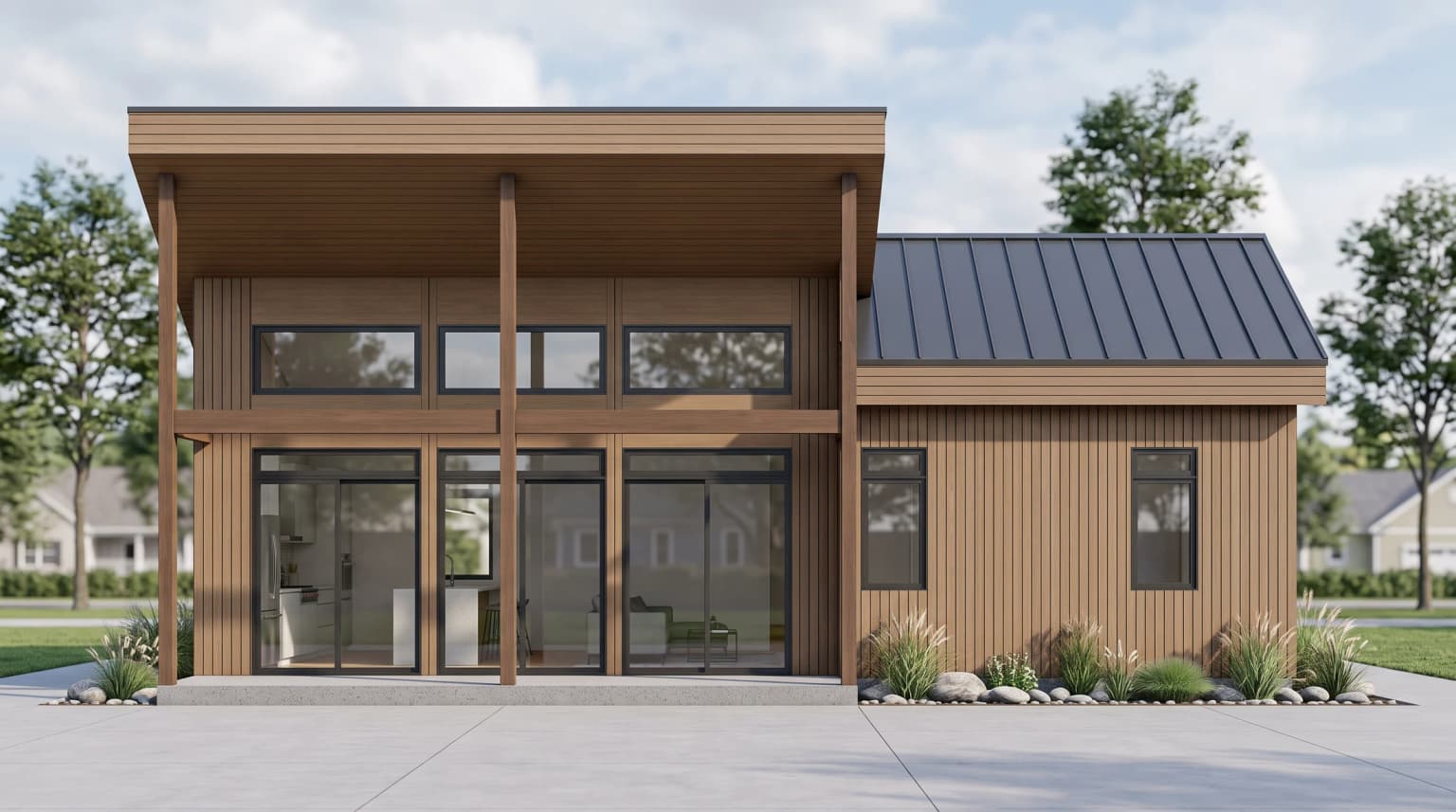
A clear elevation or floor plan is the best starting point. Confirm that the campaign has permission to use the drawing and any reference material.
VividPlan images can be downloaded for campaign use, subject to your rights to the source material and the advertising rules that apply to the property and jurisdiction.
Generated visuals are concepts rather than photographs of a completed property. Use clear artist-impression or concept-visualisation disclosure wherever your campaign, platform or local rules require it.
Start with the plan or elevation you have permission to use. Create the image the listing is missing.